World Kindness Day (Nov 13): kindness word practice and a feelings reading sheet for special ed
World Kindness Day is Friday, November 13, 2026. Many classrooms mark it with a compliment circle, a kindness challenge, or thank-you notes. Those activities lean on talking and writing. For students who are still building reading, vocabulary, or handwriting, a little paper practice earlier in the week can make the Friday activity easier to join. This post answers three questions teachers often have about kindness week and shows real SkillSprout pages for each one.
How do I connect kindness to reading, not just a poster?
Start with feelings. Students who can name how a character feels before and after a kind act have words to use later. ELA.EE.RL.1.4 reads: "With guidance and support, identify sensory or feeling words in a familiar story." The Grade 1 sample (worksheet version 12345) has a short story, "Helping a Friend": Ren shares a cookie with Maya, who had none. It asks three questions:
- How did Maya feel at first? The answer is sad.
- How did Maya feel at the end? The answer is happy.
- How did both friends feel at the end? The answer is happy.
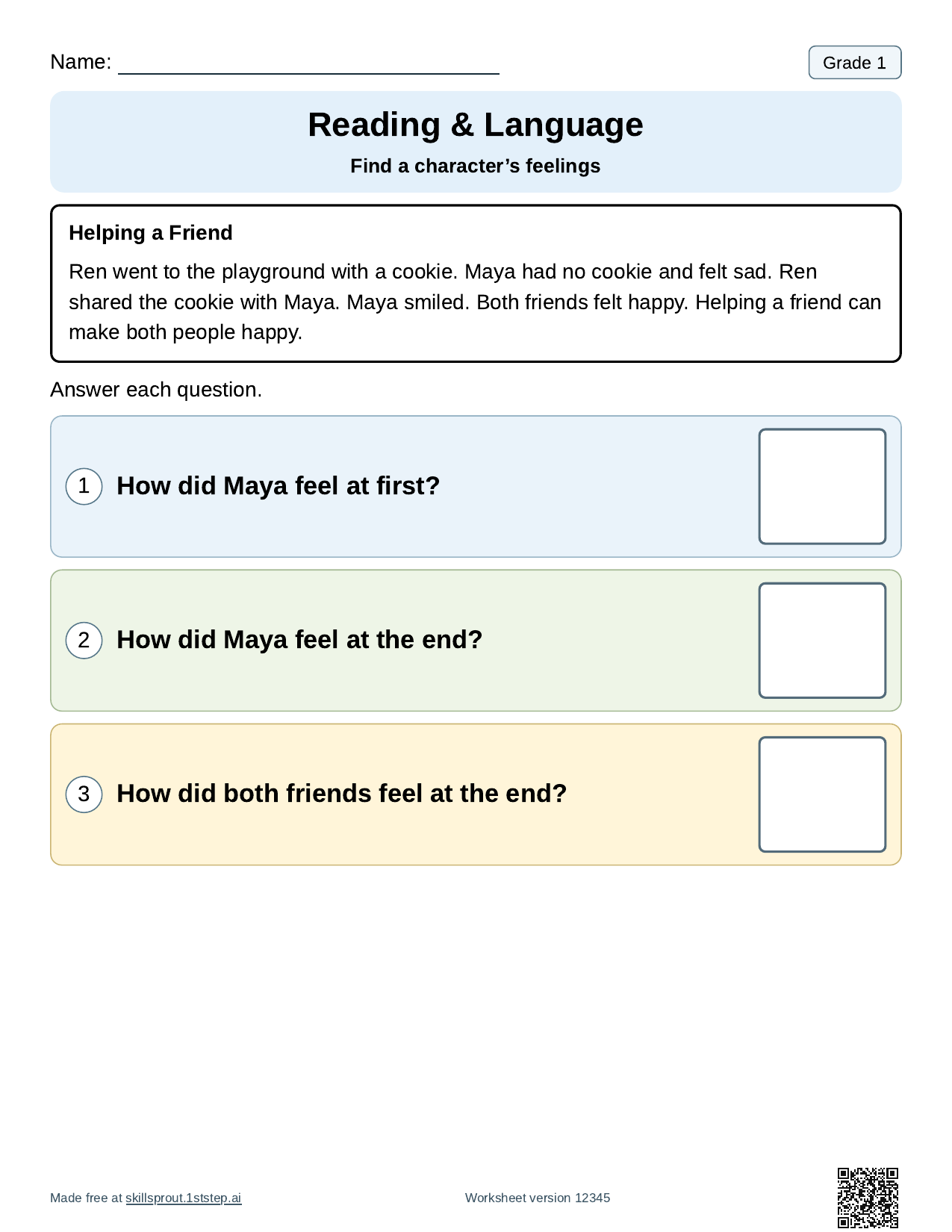
Read the story aloud first, then point to the sentence that holds each answer ("felt sad," "Both friends felt happy"). The answer key prints on the next page. Open the full page: Grade 1 find a character's feelings. Write-in, three-choice, and cut-and-paste formats are available. Keep version 12345 to reprint this story, or change the version for different problems.
How do I teach kindness words to students who are still learning to write?
Pick a short list and keep it small. Four words is enough for one week: kind, help, share, thank. The spelling worksheet maker turns your list into Write 3 Times, Unscramble, Trace, and Sentence Practice pages. For early writers, trace and write is a gentle start. Each word is traced twice and then written once on primary lines.
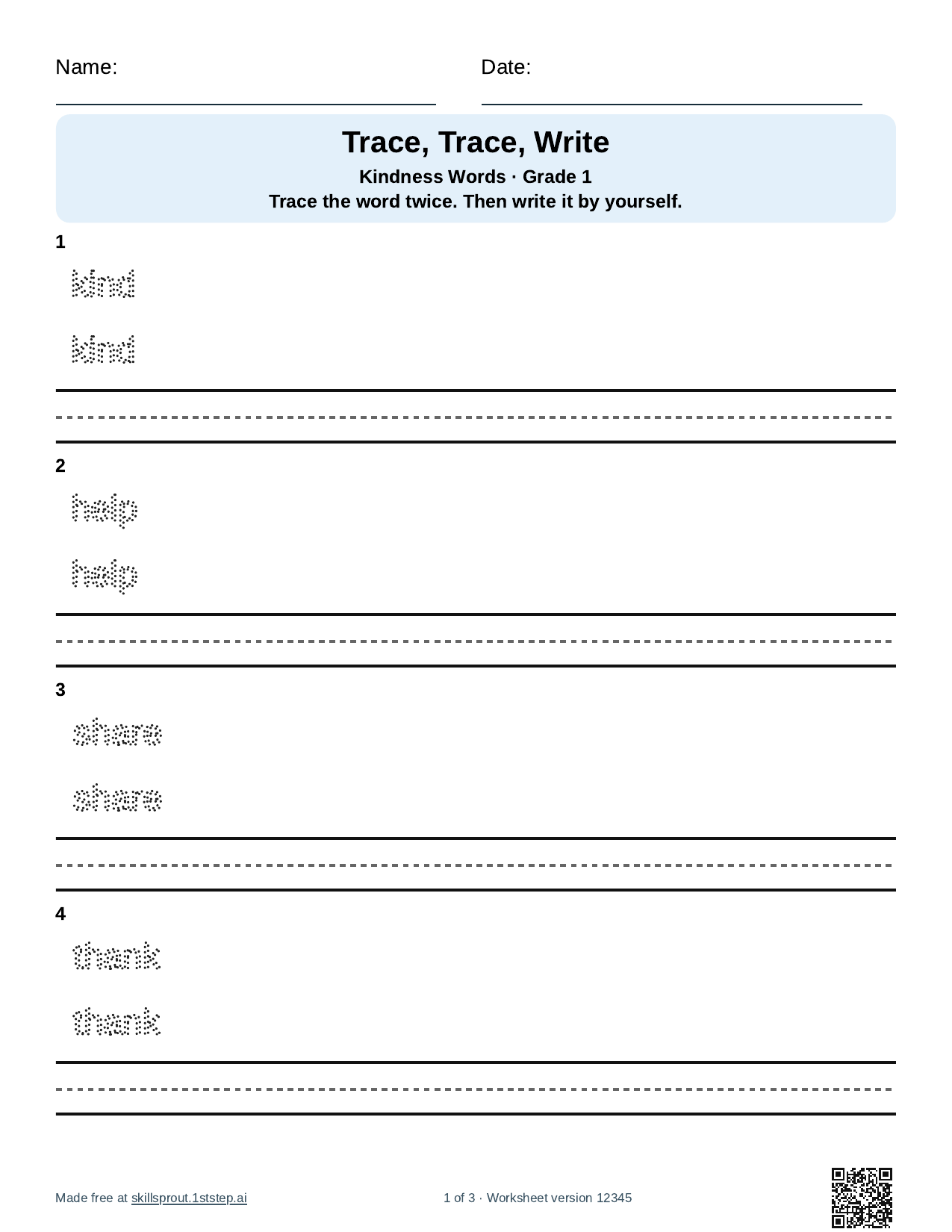
Open the spelling worksheet maker. Type one word per line, choose the activities, set the grade and line style, and keep the answer key if you want one. The sentence page leaves blank lines for students to write their own sentence. It does not invent example sentences.
If a student is ready to recall a word from memory, the read, copy, write format puts a model word next to two blank writing spaces. Students read the word, copy it, then cover the model and write it again.
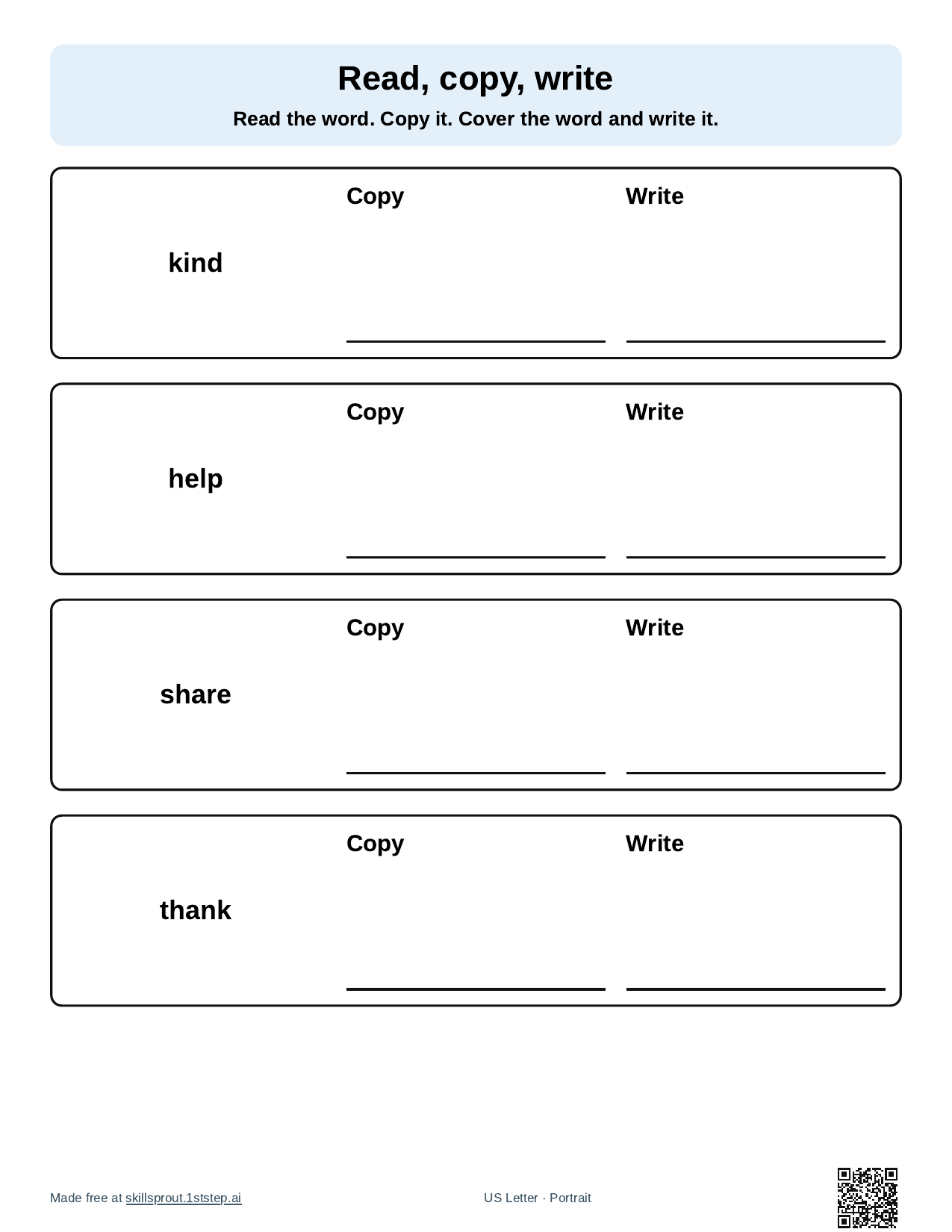
Open the read, copy, write worksheet maker. Pictures appear only when a word exactly matches the app's local picture collection. These four kindness words had no match, so they print as large readable text. Add your own picture or sign supports on paper if your students use them.
How do I structure a short kindness writing or drawing task?
Give students one kind act to describe, not a whole essay. The Main idea & details organizer has a topic line and four labeled boxes. Write "One kind thing I did" (or saw) as the topic, then have students draw or write the main idea and three details: who, what they did, and how the other person felt. The feelings words from the reading sheet fit right into that last detail.
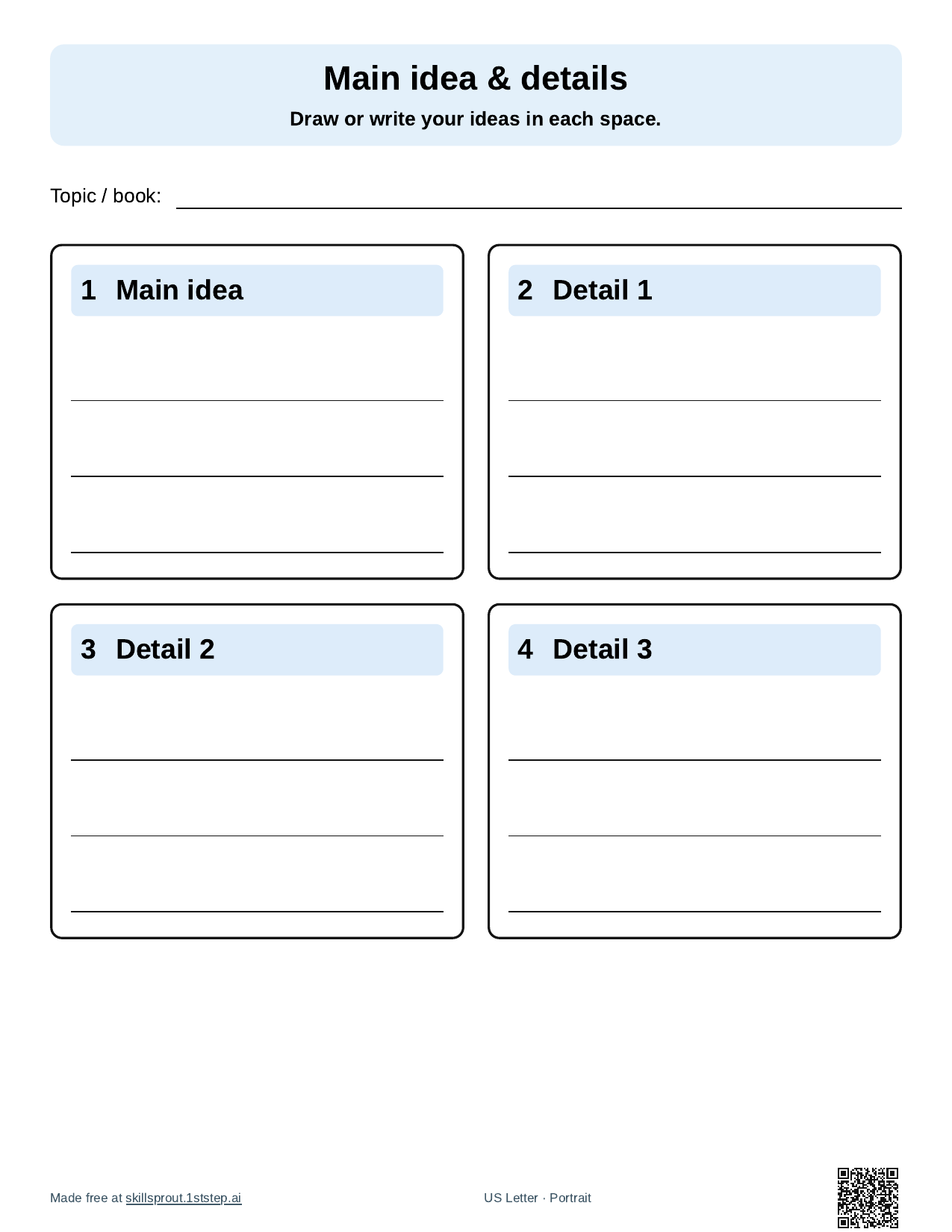
Open the writing organizer maker. Choose lines or open drawing space. The organizer prints blank. There is no answer key, and the app does not store student writing. For a related reading skill, see Grade 1 connect a detail to the main topic.
A simple plan for the week
- Monday or Tuesday: read "Helping a Friend" together and answer the feelings questions.
- Wednesday: trace and write the four kindness words.
- Thursday: read, copy, write, or a sentence page for students ready to write.
- Friday, November 13: fill in the organizer about one kind act, then share it in your usual circle or display.
Adjust the order and the amount to your students. Every page is short enough to use as a single small-group or independent task.
How to make these pages in the studio
- Open the SkillSprout studio with Google sign-in, or start from a worksheet or tool page linked above.
- For the reading sheet, open the Grade 1 feelings page. Set questions, response format, visual support, and color or grayscale. Keep Include answer keys after student pages checked if you want the key.
- For words and organizers, open Teacher tools, choose Spelling worksheets, Word cards & practice, or Writing organizer, enter your words or pick the layout, then press Create printable.
- Check the preview, then print or download the PDF yourself.
The name line prints blank. No student names, diagnoses, or student work go into the builder. The worksheet and tool pages are public to browse. Making and printing happens in the studio with Google sign-in. More Grade 1 reading skills are listed on Grade 1 ELA worksheets, and all ready skills are on the worksheets page.