First cold snap: temperatures above and below zero worksheets, plus an indoor recess schedule
Cold air is moving across much of the eastern U.S. this weekend. Forecasts call for the first frost or freeze of the season in many places, with overnight lows in the 20s and 30s Fahrenheit across much of the Midwest and Northeast (as reported by USA TODAY and The Weather Channel on November 12 and 13). Students notice when the morning forecast suddenly has a "below freezing" in it, and the first cold mornings often bring the first indoor recess days too.
This post pairs two things you can print for that week: a short skill sheet on reading temperatures above and below zero, and a visual schedule and first/then board for a day when recess moves inside.
These are plain practice and routine pages. They do not have snowflake art, weather pictures, or a drawn thermometer.
Grade 6: read the marked temperature
The Grade 6 Essential Element M.EE.6.NS.5-8 reads: "Understand that positive and negative numbers are used together to describe quantities having opposite directions or values (e.g., temperature above/below zero)." The Grade 6 read temperatures above and below zero worksheet practices that idea with a number line from -10 to 10. One number is boxed, and the student writes or chooses the temperature it shows.
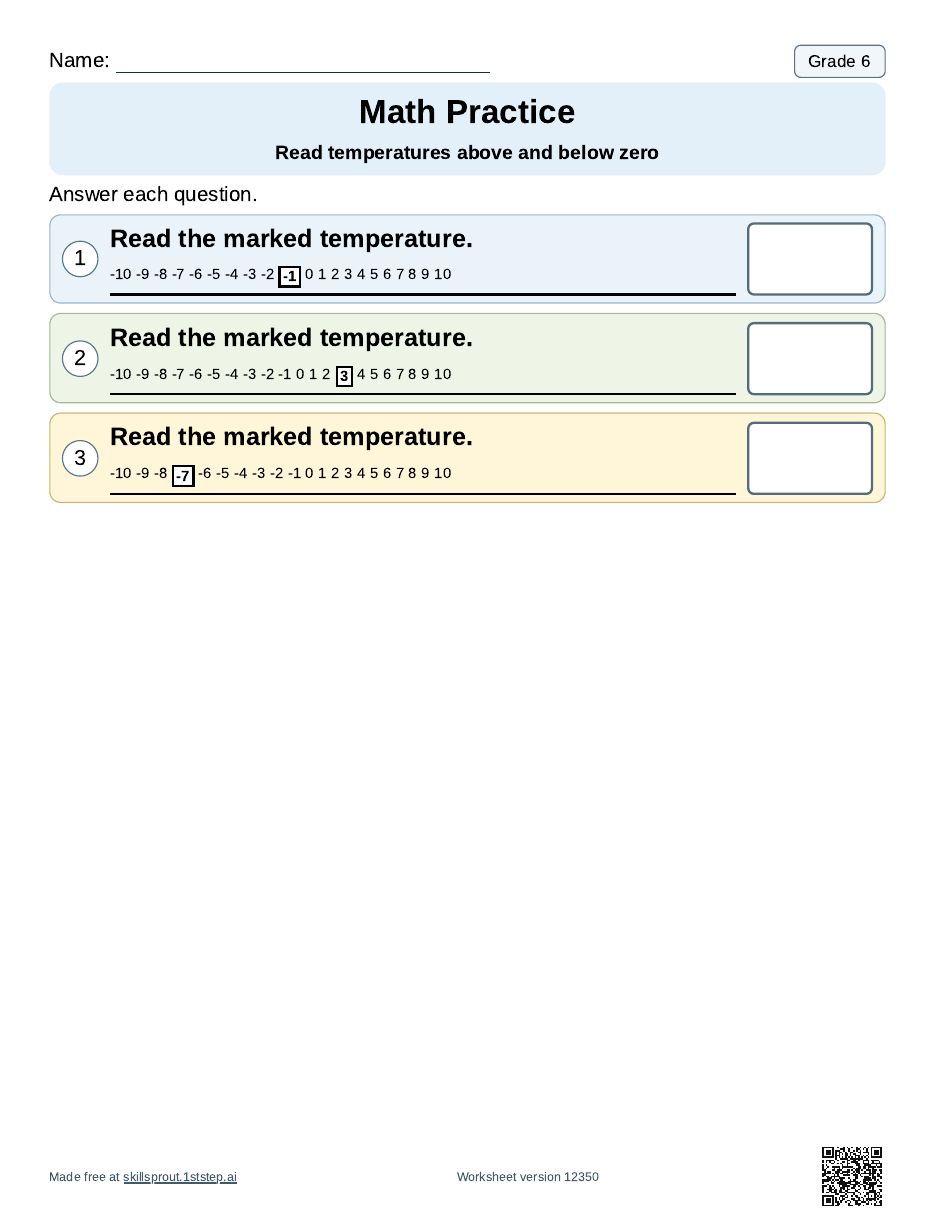
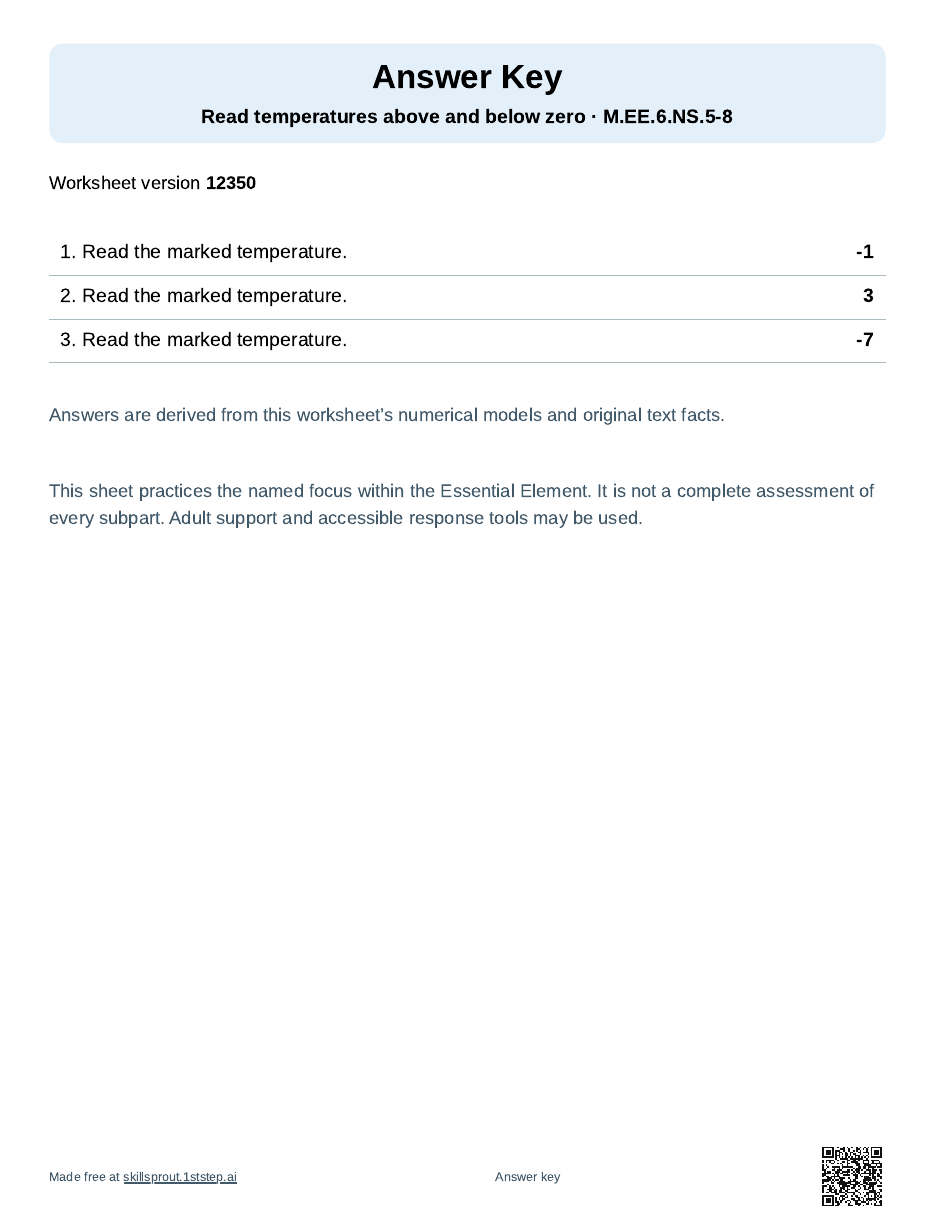
On this version, the marked temperatures are -1, 3, and -7, so the page mixes numbers on both sides of zero. The answer key prints on its own page after the student page.
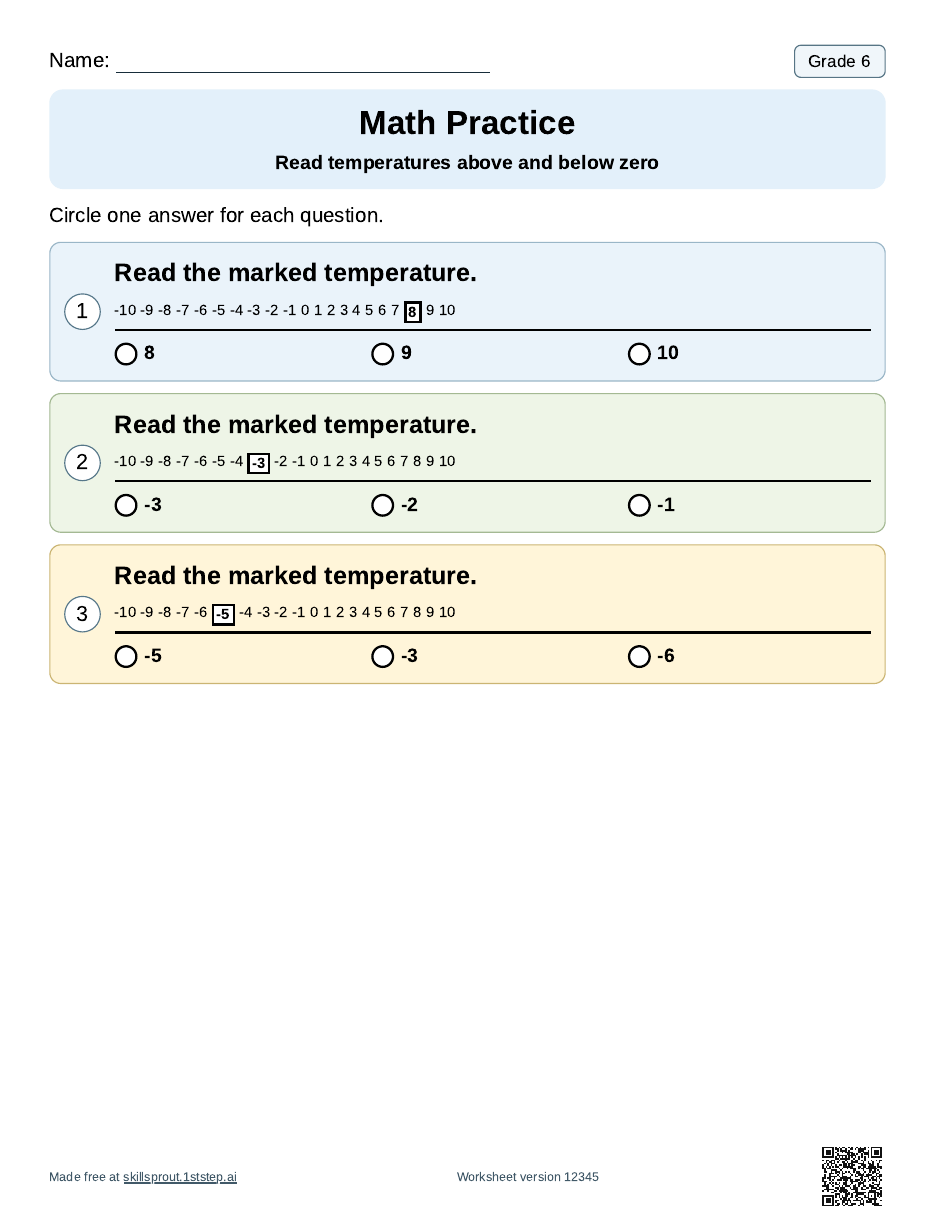
The same skill also prints as three-option multiple choice, so a student can circle or point to an answer.
The numbers on the sheet have no degree unit. That keeps the page about where a number sits compared with zero. If you want to connect it to this week's weather, read the morning forecast or a real classroom thermometer together first, then do the sheet.
Indoor recess day: a visual schedule
When recess moves inside, the order of the day can feel different even if most of it stays the same. The visual schedule maker prints the steps in order with a check box for each one. This example uses Read, Math, Snack, Movement, Break, and Pack bag, with Movement standing in for the indoor recess block.
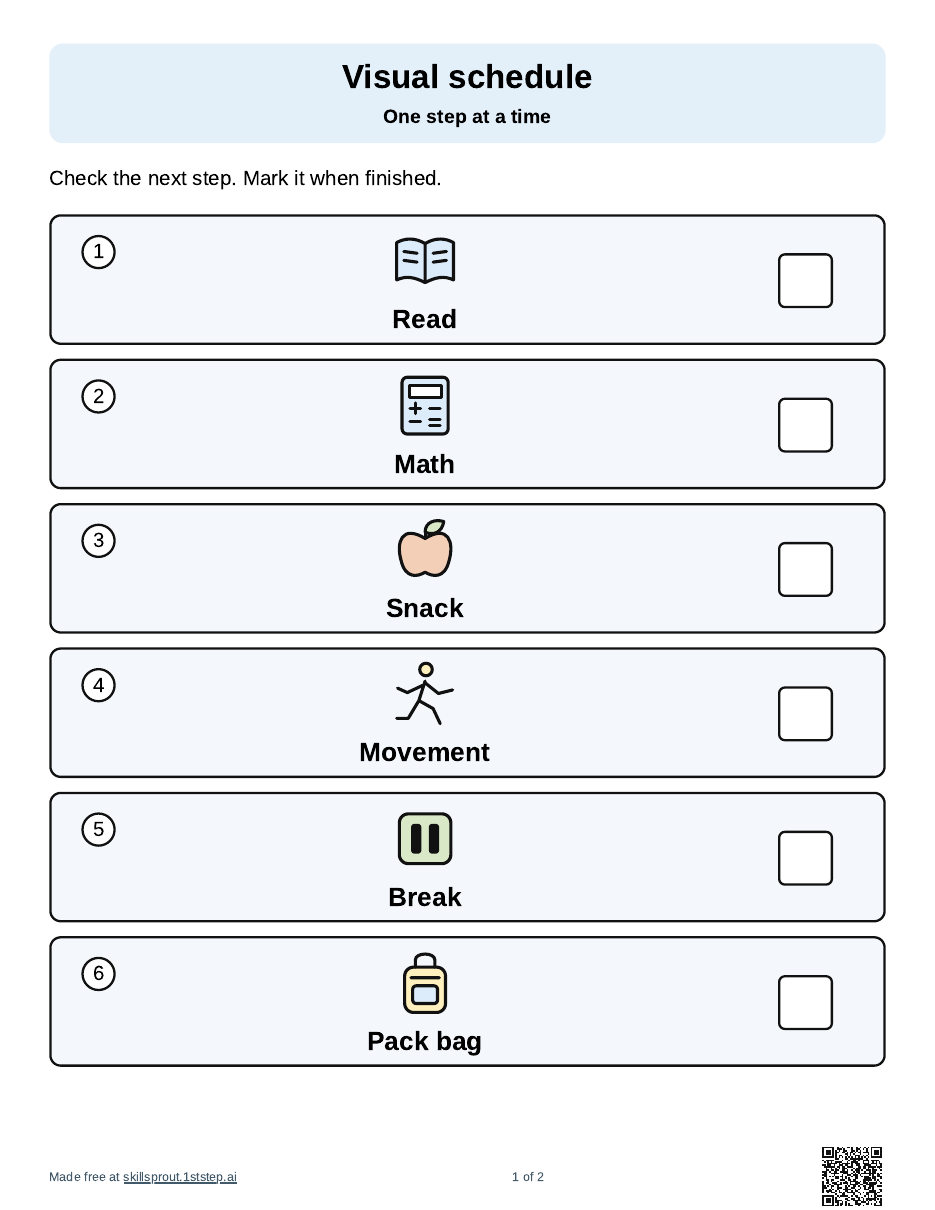
A second page prints the same steps as cut-out cards, plus a "Plan changed" card and a short staff reset guide. The "Plan changed" card is handy on a cold morning when outdoor recess gets called off after the day has started.
First math, then movement
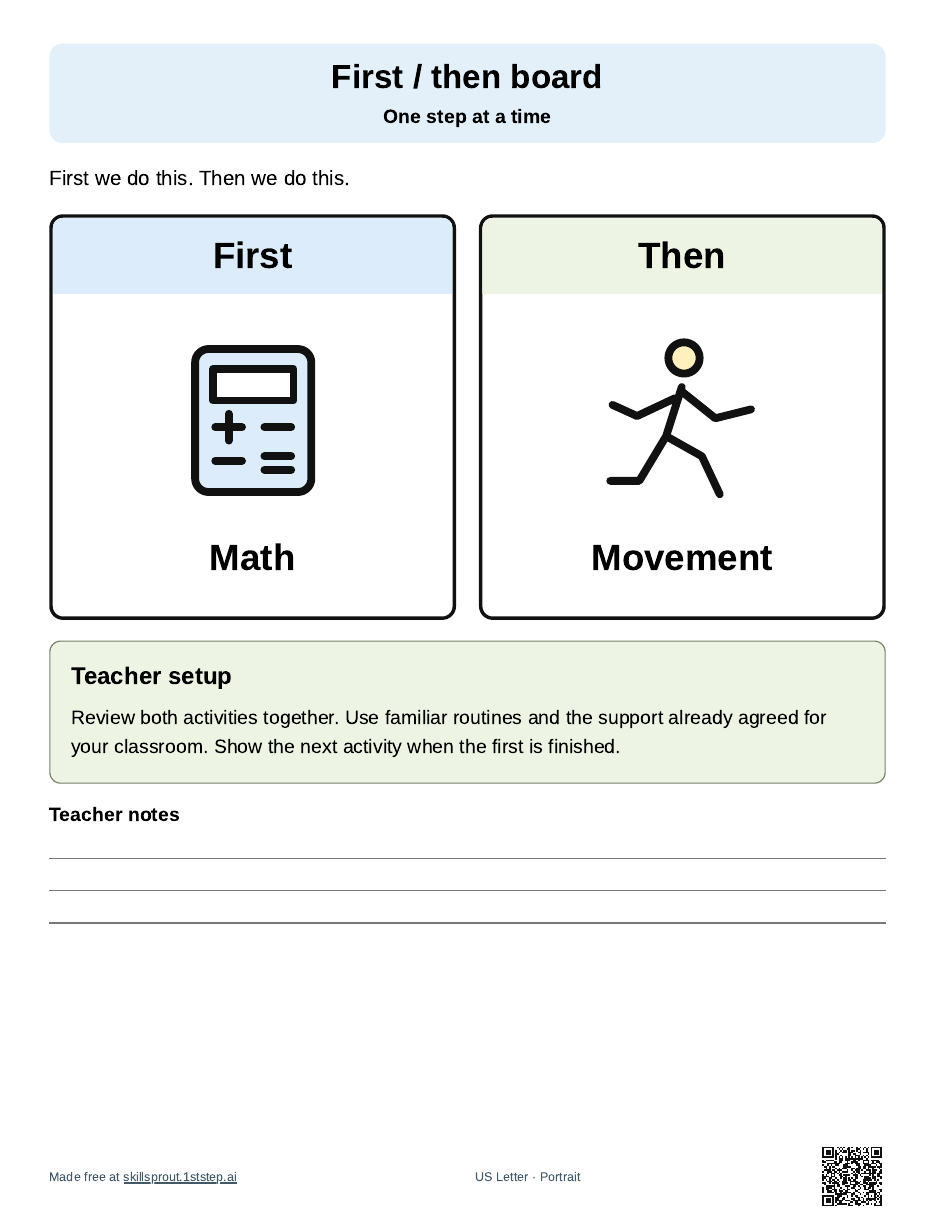
For a student who needs a smaller step, the first/then board maker prints two activities side by side. This one shows Math first, then Movement, which fits a short temperature sheet followed by an indoor movement break.
Ways to use these pages this week
- Before the sheet, ask "Is today's low above zero or below zero?" and point to that side of the number line.
- Use the write-in version for students who write numbers, and the multiple-choice version for students who point or use a communication device.
- Print the same worksheet version again on the next cold morning, so the questions match and you can compare.
- Keep a printed indoor recess schedule in your sub folder, since the first cold days and the first sick days often arrive together.
How to print them
- Open the SkillSprout studio. The studio uses Google sign-in. The worksheet and tool pages linked above are public to browse.
- For the temperature sheet, choose the Grade 6 temperature skill, then set the number of questions and the response format.
- Keep the answer key on. To print the exact sheets shown here, enter the worksheet version from the caption, or keep your own number and write it down.
- For the schedule or first/then board, pick the activities in the order you want.
- Check the preview, then print or download the PDF.
The name line prints blank, and the studio does not ask for student names, diagnoses, or student work. Each worksheet page quotes the published Essential Element wording. A combined standard like M.EE.6.NS.5-8 can include parts a single sheet does not practice, so check the sheet against your student's goals before you print. SkillSprout is an independent tool and is not affiliated with Dynamic Learning Maps.