DLM Essential Elements math practice worksheets, K–6 (free, printable)
If you teach students who take the Dynamic Learning Maps (DLM) alternate assessment, you plan instruction around the Essential Elements. SkillSprout has a printable practice page for many K–6 Math Essential Elements. Each page quotes the published wording, shows a sample sheet and opens the activity in the studio.
Browse by grade and standard code
Start at all worksheets, then choose a grade. For example, Grade 3 math lists every Grade 3 Math Essential Element with a ready activity. Each skill page shows the standard code, such as M.EE.3.MD.3, next to a link to the publisher source.
Example: picture and bar graphs (M.EE.3.MD.3)
M.EE.3.MD.3 reads: "Use picture or bar graph data to answer questions about data." This was the first activity built in SkillSprout. The sheet draws the graph with one picture per student and asks questions you can answer from the graph.
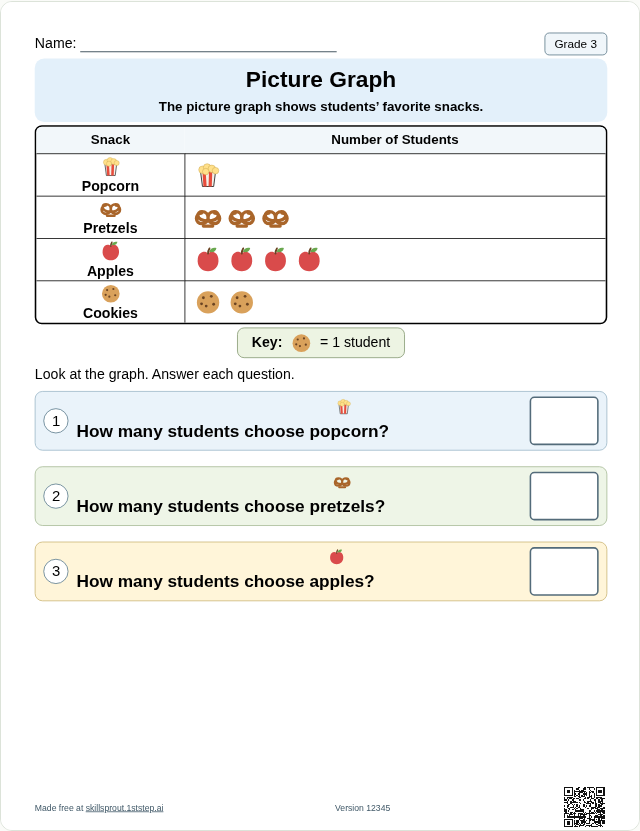
Open the full page: Grade 3 read and compare picture or bar graphs. The picture graph maker and bar graph maker open the same builder with a starting theme.
Example: build a set of ten (M.EE.1.NBT.2)
M.EE.1.NBT.2 reads: "Create sets of 10."
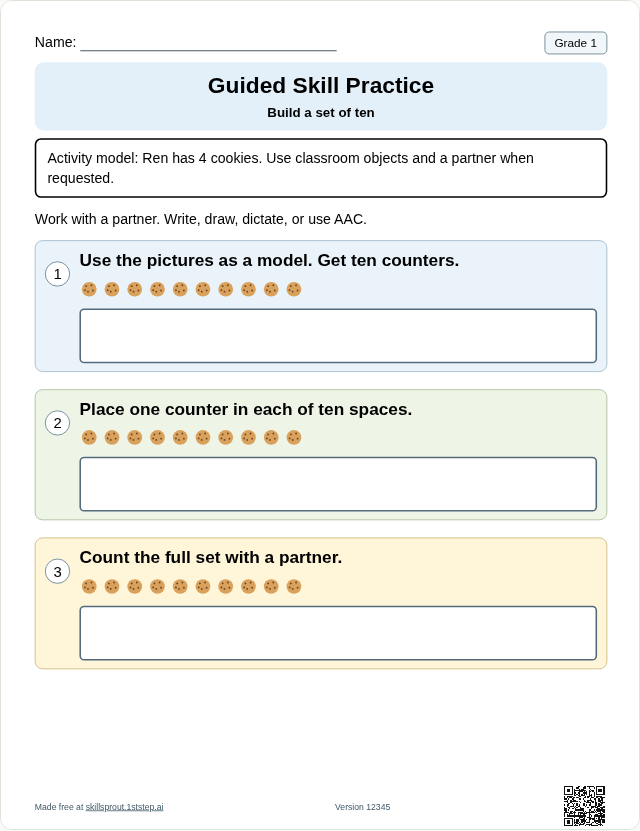
Open the full page: Grade 1 build a set of ten.
Example: area with unit squares (M.EE.6.G.1)
M.EE.6.G.1 reads: "Solve real-world and mathematical problems about area using unit squares."
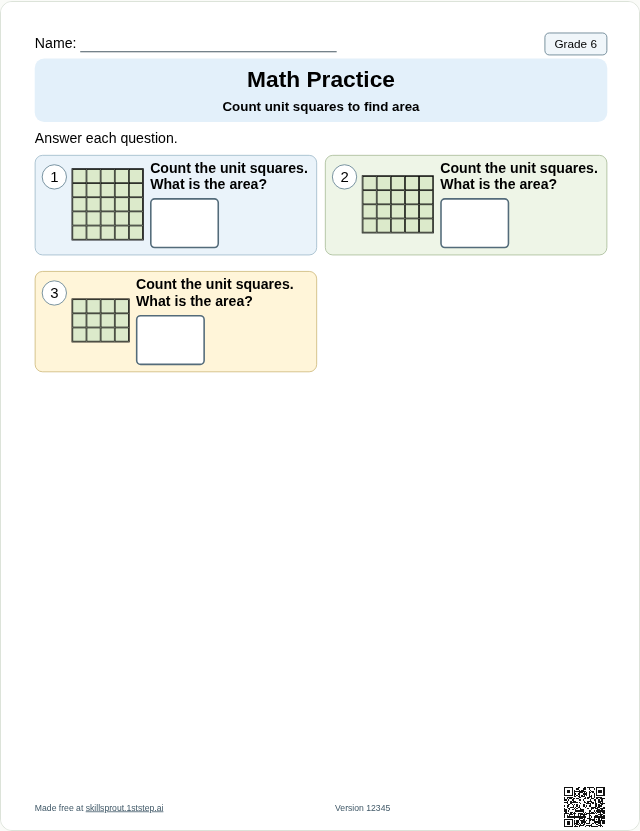
Open the full page: Grade 6 count unit squares to find area.
Linkage levels
For some Essential Elements, the studio also offers the published DLM linkage levels. The public page sample is the on-level focus. Some levels are teacher-guided, using an open response and a Teacher Guide instead of a fixed answer key.
How the sheets are made
- Worksheets are rendered by code from structured curriculum data. They are not AI-generated images.
- Answers are checked and the answer key is derived from the same problems.
- Pages are checked to fit US Letter before preview and export.
- Change the worksheet version for new problems; the same version reprints the same sheet.
Open any activity in the SkillSprout studio with Google sign-in. No student information is needed. SkillSprout is an independent tool and is not affiliated with Dynamic Learning Maps; review each sheet against your own instruction before printing.