Daylight saving time ends Nov. 1: telling time worksheets for special education (free, printable)
Daylight saving time ends in most of the United States on Sunday, November 1, 2026. At 2:00 a.m., clocks fall back one hour. Hawaii and most of Arizona do not change. The next school week is a useful time for telling-time practice and a routine preview. Afternoons are darker, and a familiar schedule can feel different. SkillSprout can print both.
Read an hour on a digital clock
M.EE.2.MD.7 reads: "Identify on a digital clock the hour that matches a routine activity." The Grade 2 sample shows digital clocks on the hour.
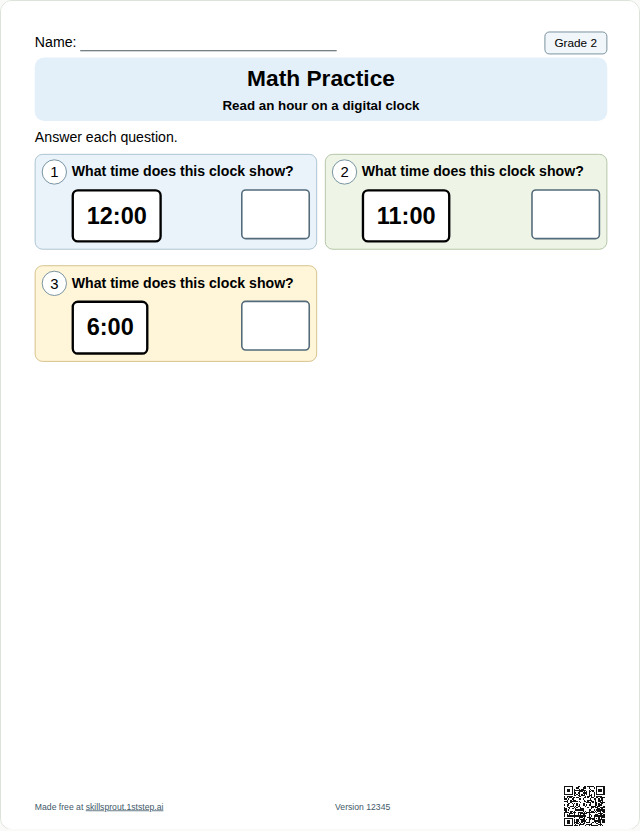
Open the full page: Grade 2 read an hour on a digital clock. Grade 3 uses the same kind of clock. M.EE.3.MD.1 reads: "Tell time to the hour on a digital clock." Open Grade 3 read an hour on a digital clock.
Analog clocks
M.EE.4.MD.2.a reads: "Tell time using a digital clock. Tell time to the nearest hour using an analog clock." The Grade 4 sheet shows analog clocks on the hour.
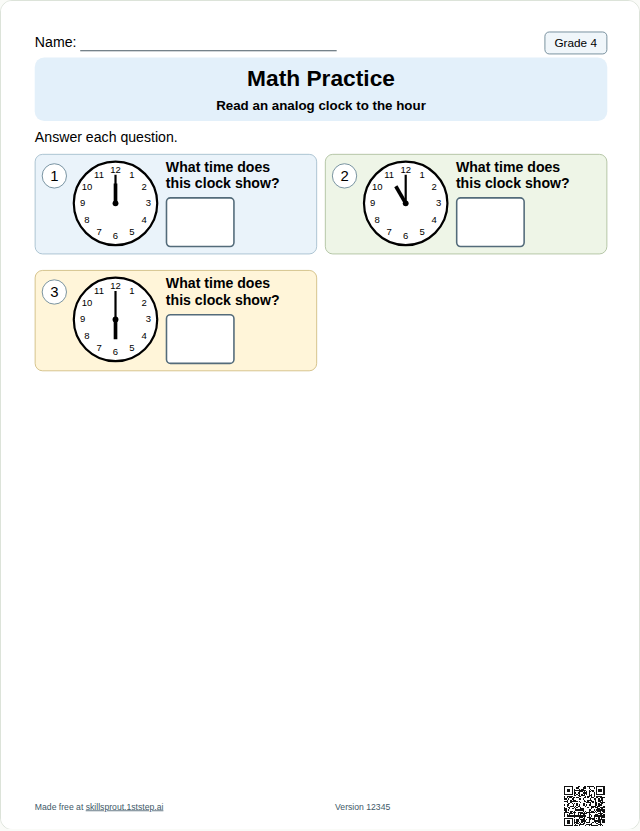
Open the full page: Grade 4 read an analog clock to the hour.
M.EE.5.MD.1.a reads: "Tell time using an analog or digital clock to the half or quarter hour." The Grade 5 sample shows analog clocks at the half hour or quarter hour.
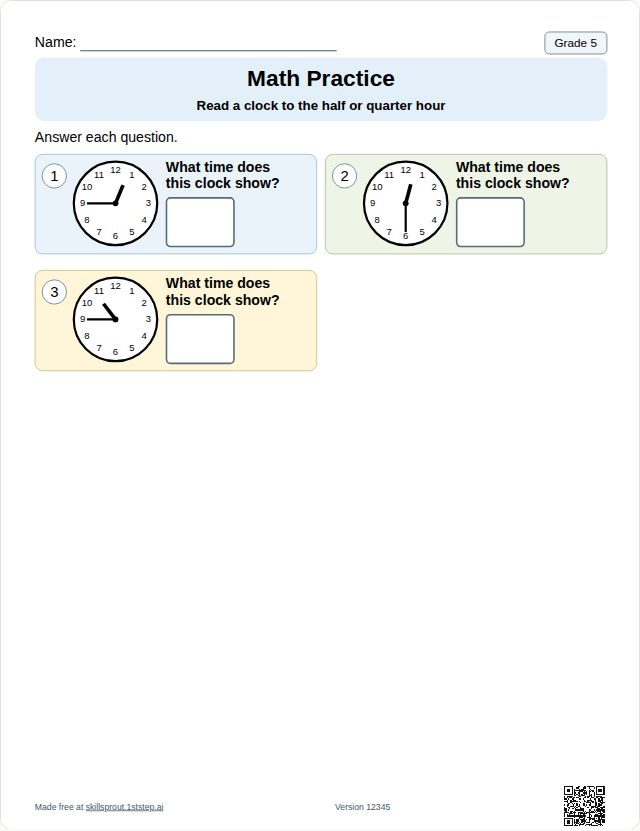
Open the full page: Grade 5 read a clock to the half or quarter hour.
Match a routine to the same time
M.EE.1.MD.3.d reads: "Demonstrate an understanding that telling time is the same every day." The guided sheet shows a sample digital clock and an open line for a familiar activity, its time, and that same time on two days. Students can write, draw, dictate, or use AAC. A Teacher Guide prints instead of a fixed answer key.
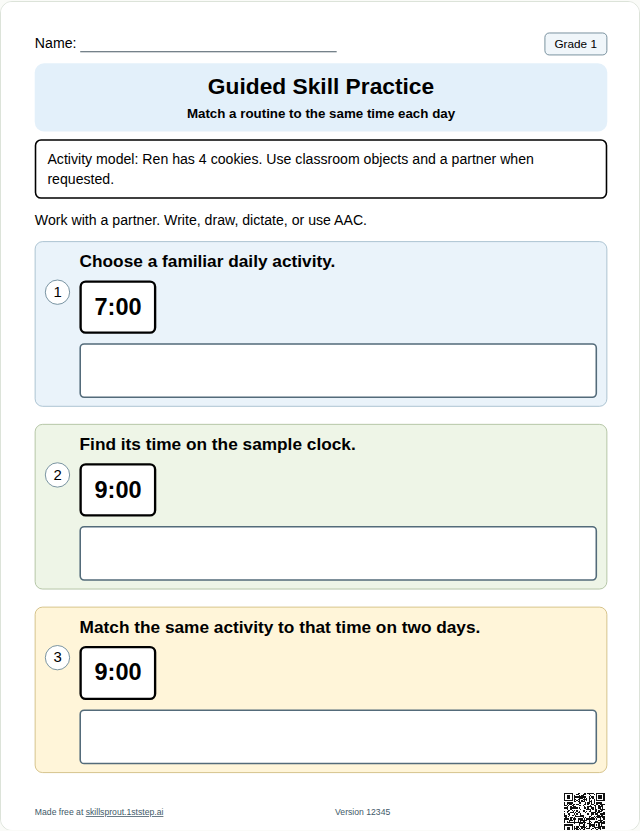
Open the full page: Grade 1 match a routine to the same time each day.
Preview the week's order
The visual schedule maker prints two to six classroom steps, such as Read, Math, Movement, or Tidy up, with local activity pictures in color or grayscale. The printable is a schedule page, matching cards, and a staff reset reference. It does not assign clock times.
What you can change in the studio
- Checked-answer clock sheets: write-in, three-option multiple choice, or cut-and-paste. The choices and the answer key come from the same problems.
- Worksheet version: change it for different clock times, or keep it to reprint the same sheet.
- Compact or Spacious page layout for write-in and multiple choice. Cut-and-paste and the Grade 1 sheet stay spacious. The name line prints blank.
Making and printing a sheet happens in the SkillSprout studio, which uses Google sign-in. The worksheet pages are public. No student names, diagnoses, or student work are required.
A note on alignment
Each page quotes the published Essential Element and links to the publisher source. A combined standard can include parts one sheet does not practice: the Grade 4 and Grade 5 samples show analog clocks, while the wording also names a digital clock. Those grades, and Grade 3, also offer DLM linkage levels in the studio. The public sample is the on-level focus. Some levels are teacher-guided. SkillSprout is not affiliated with Dynamic Learning Maps.